Google Ads can transform a small business overnight — but it can also drain your budget fast if you don’t know what you’re doing. The good news is that with the right strategy, even a budget of $5-10 per day can generate significant business results.
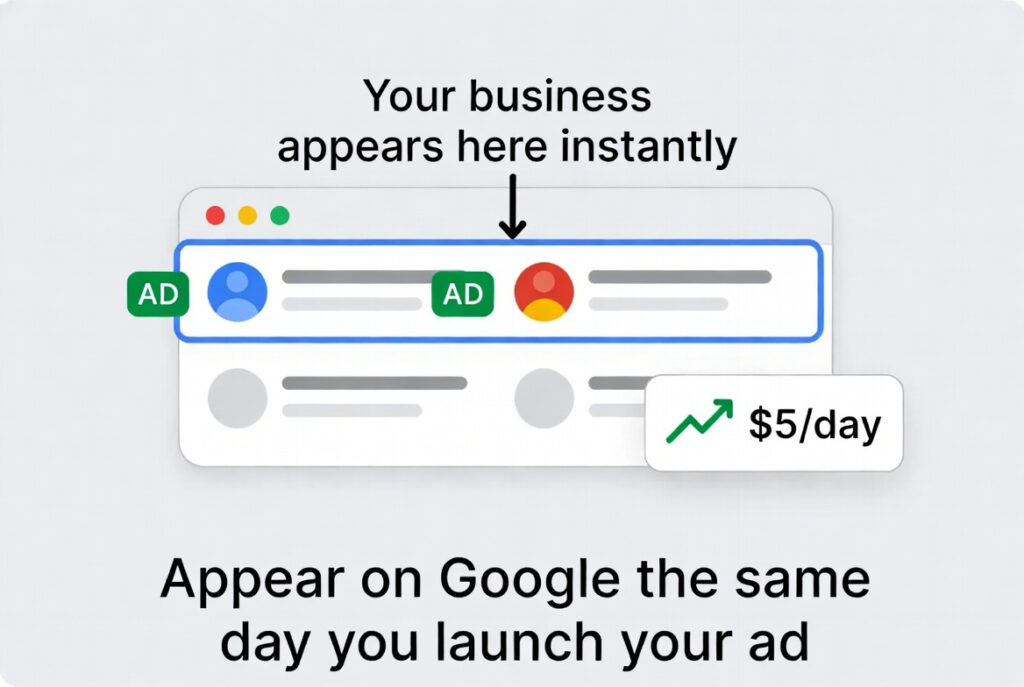
Why Google Ads Works for Small Businesses
- You appear at the exact moment someone is searching for your product
- You only pay when someone clicks your ad — not for impressions
- You can start with as little as $1 per day
- Results start immediately unlike SEO which takes months
- You can track exactly how many leads and sales you generate
Step 1 — Understand How Google Ads Works
Google Ads works on an auction system. When someone searches on Google, ads compete to appear based on your bid amount and quality score.
- You bid on keywords — the words your customers search for
- Higher quality scores mean lower costs and better positions
- You set a daily budget — Google never exceeds it
- You only pay when someone clicks your ad
Step 2 — Choose the Right Campaign Type
Search Campaigns — Best for Beginners:
- Your text ads appear in Google search results
- Targets people actively searching for your product/service
- Highest purchase intent — people are ready to buy
- Best for: local services, e-commerce, professional services
Local Campaigns — Best for Physical Businesses:
- Promotes your business to people near your location
- Ads appear on Google Search, Maps, YouTube and Display
- Perfect for restaurants, shops, salons and local services
Step 3 — Keyword Research for Google Ads
- High intent keywords: “buy”, “hire”, “near me”, “price”, “cost”
- Example: “hire accountant Nairobi” is better than “accountant”
- Use Google Keyword Planner to find keyword ideas and costs
- Start with 10-20 highly targeted keywords
- Use Exact Match to control exactly who sees your ads
Step 4 — Write Compelling Ad Copy
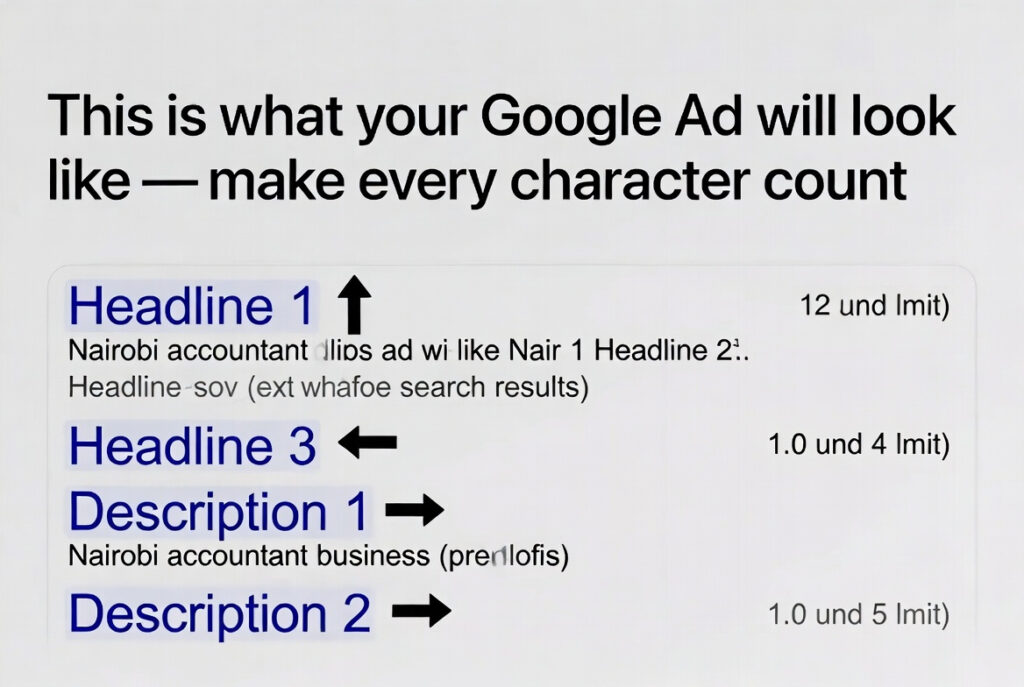
Google Ad Structure:
- Headline 1 (30 chars) — Include your main keyword
- Headline 2 (30 chars) — Highlight your unique selling point
- Headline 3 (30 chars) — Include a call to action
- Description 1 (90 chars) — Expand on benefits
- Description 2 (90 chars) — Social proof and urgency
Ad Copy Tips:
- Always include your keyword in Headline 1
- Add a number — “5-Star Rated”, “10+ Years Experience”
- Include your location for local businesses
- Always have a clear call to action — “Call Now”, “Get a Free Quote”
Step 5 — Create a High-Converting Landing Page
- The landing page must match your ad — same message
- Include your keyword in the headline
- Have one clear call to action — not multiple
- Load in under 3 seconds — slow pages lose visitors
- Include social proof — reviews, testimonials, logos
Step 6 — Set Your Budget and Bids
- Start with $5-10 per day — enough to gather data
- Set a Manual CPC bid to control costs precisely
- Use bid adjustments to increase bids for mobile if needed
- Never increase budget more than 20% at a time
Step 7 — Track and Optimize
- Install Google Ads Conversion Tracking — essential
- Check results after every 7 days — not daily
- Pause keywords that spend money without conversions
- Increase bids on keywords that convert well
- Add negative keywords — words you don’t want to trigger your ads
Conclusion
Google Ads is not a magic solution but it is a powerful tool when used correctly. Start small, focus on high-intent keywords, create relevant landing pages and track everything. Give your campaigns 30 days to gather enough data before making major changes.
🛠️ Tools to Help You Get Started
🔍 Keyword Research Find the best keywords for your Google Ads campaigns. 🔗 Google Keyword Planner 🔗 Ubersuggest 🔗 SEMrush 🔗 Ahrefs
📢 Google Ads Management Create and manage your Google Ads campaigns. 🔗 Google Ads 🔗 Google Ads Editor 🔗 Google Analytics
🖥️ Landing Page Builders Build fast, high-converting landing pages. 🔗 Unbounce 🔗 Leadpages 🔗 Carrd 🔗 Wix
✍️ Ad Copy Writing Write better ad copy that gets more clicks. 🔗 ChatGPT 🔗 Grammarly 🔗 Copy.ai
📊 Tracking & Analytics Track conversions and measure your ad performance. 🔗 Google Analytics 🔗 Google Tag Manager 🔗 Hotjar
⚡ Page Speed Optimization Make your landing page load under 3 seconds. 🔗 Google PageSpeed Insights 🔗 GTmetrix 🔗 Cloudflare
🎨 Ad Creative & Design Design banner ads and display creatives. 🔗 Canva 🔗 Adobe Express 🔗 Creatopy
ADEEGSARE
adeegsare.com · hello@adeegsare.com
Nairobi · Dubai · Cairo
Leave a Comment